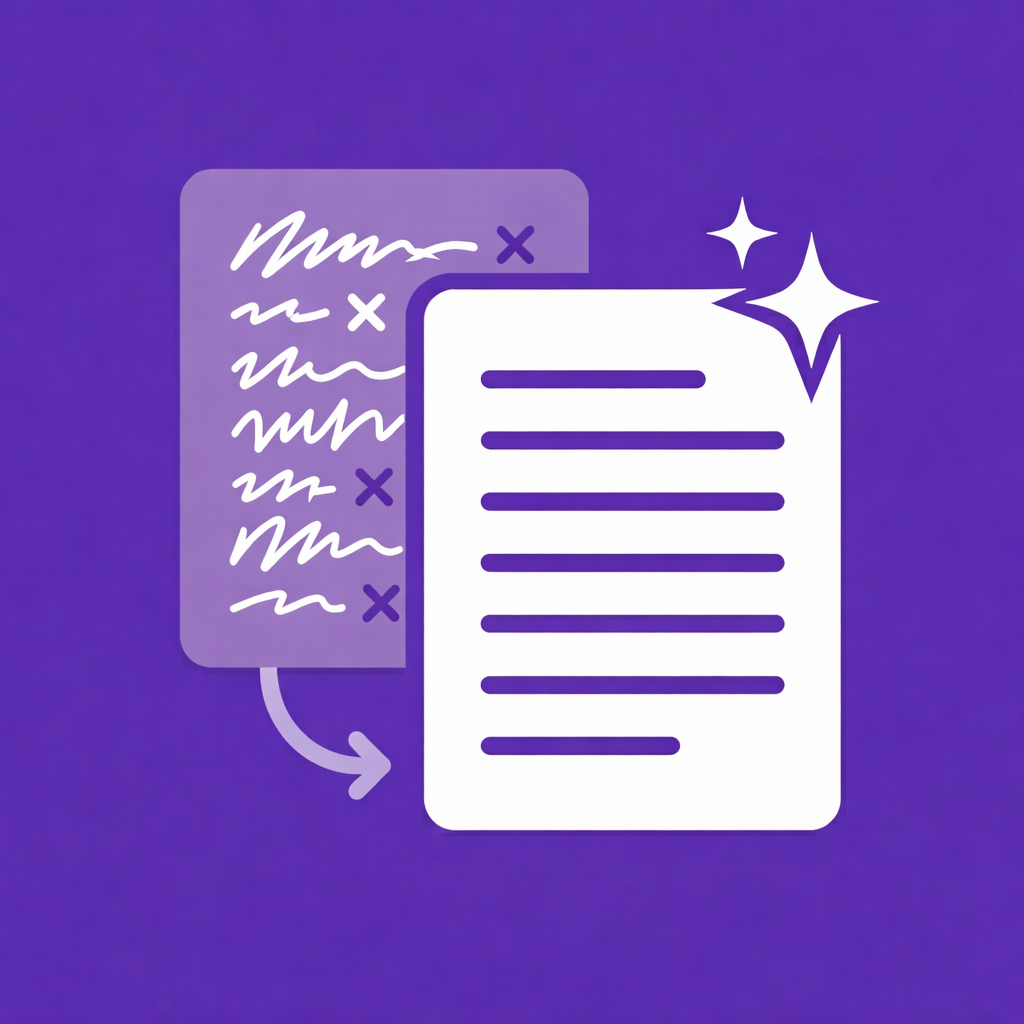
 ClipRefine
Copy messy.
Paste clean.
ClipRefine is a Chrome extension that automatically cleans and transforms clipboard text the moment you copy it, using your own find-and-replace rules — plain text or regex, scoped to specific websites or applied everywhere. Everything runs locally in your browser.
No account · no tracking · works offline · PRO is a one-time $4.99
How it works
ClipRefine hooks into the copy event, applies your rules to the copied text, and writes the refined result straight back to the clipboard — before it lands anywhere.
Create a rule
Define what to find and what to replace it with. Use plain text, or switch the rule to a regular expression for pattern-based cleanup.
Copy text anywhere
When you press Ctrl/⌘ + C, active rules run instantly and locally —
globally, or only on the sites you've targeted.
Paste the clean result
What lands in your clipboard is the refined text. An optional toast confirms when a rule has fired.
Features
Find & replace rules
Name each rule, describe it, toggle it. Simple text swaps or complex rewrites.
Full regex support
Any rule can match a regular expression instead of plain text — clean patterns, not just exact strings.
Per-site targeting
Scope a rule to specific domains so it only runs where you want it to, or leave it global.
100% local processing
Rules run inside your browser's copy event. The free version makes zero network requests.
Syncs with Chrome
Rules and settings live in Chrome sync storage, so they follow your Chrome profile across devices.
Import / ExportPRO
Back up your rule set or move it between machines with one click.
What people clean with it
A few of the rules ClipRefine users run on every copy:
- Strip tracking parameters — remove
utm_*and other junk from copied links with one regex rule. - Redact before sharing — mask internal hostnames, email addresses, or tokens the moment they hit the clipboard.
- Normalize typography — replace smart quotes, em dashes, and non-breaking spaces with plain equivalents.
- Rewrite URLs — swap a staging domain for production every time you copy an internal link.
- Fix recurring text — auto-correct product names, spellings, or boilerplate you copy all day.
Private by design
Clipboard data is sensitive. ClipRefine is built so it never leaves your browser — and you can verify it.
- Clipboard contents are never stored and never transmitted — rules are applied in-memory and the result is written straight back.
- The free version makes zero outbound network requests. No fetch, no external resources.
- No analytics, no telemetry, no error reporting — no tracking SDK is loaded at all.
- PRO contacts the Lemon Squeezy API only for license activation and validation — never with clipboard data.
Full details, based on the published source: Privacy Policy
Pricing
Free to use forever. PRO is a one-time $4.99 — a lifetime license, not a subscription.
| Free | PRO — $4.99 once | |
|---|---|---|
| Custom rules | 5 | 50 |
| Target domains per rule | 3 | 12 |
| Rule toggles | Global on/off | Global + per-rule |
| Import / Export rules | — | Included |
| Devices per license | — | Up to 5 |
| Commercial use | Included | Included |
Payments are processed by Lemon Squeezy with a 14-day, no-questions-asked
refund window.
ClipRefine is not currently distributed in the EU/EEA — see the
Terms of Service.
Frequently asked questions
Is ClipRefine free?
Yes. The free version includes up to 5 custom rules with 3 target domains per rule, a global on/off toggle, and is licensed for both personal and commercial use. ClipRefine PRO is a one-time purchase of $4.99 USD (no subscription) and raises the limits to 50 rules and 12 target domains per rule, adds import/export and per-rule toggles, and can be activated on up to 5 devices.
Does ClipRefine send my clipboard data anywhere?
No. All text processing happens locally inside the browser's copy event, and clipboard contents are never stored or transmitted. The free version makes zero network requests. The PRO version contacts the Lemon Squeezy API only for license activation, validation, and deactivation — never with clipboard data. There is no analytics or telemetry of any kind.
Does ClipRefine support regular expressions?
Yes. Each rule can match either a plain text string or a regular expression, with a replacement pattern of your choice.
Can I run rules only on specific websites?
Yes. Every rule can be scoped to a list of target domains, so it only fires when you copy text on those sites. The free version allows 3 target domains per rule; PRO allows 12. Rules without target domains apply everywhere.
Does ClipRefine work offline?
Yes. All rule processing is local, so the extension works fully offline. Your rules and settings are stored in Chrome's sync storage, which also lets them follow your Chrome profile across devices.
Do I need an account to use ClipRefine?
No. There is no sign-up and no account. PRO is unlocked with a license key issued by Lemon Squeezy after checkout.
Where is ClipRefine available?
ClipRefine is distributed through the Chrome Web Store worldwide, except in the European Union and the European Economic Area, where it is currently not distributed.